GreatDeals.
The shopping journal

Tech · Buying guide

What changes when you plug in a second device?

Match a multi-port USB-C charger’s shared output to the power your laptop and phone require.

Jump to the stores ↓
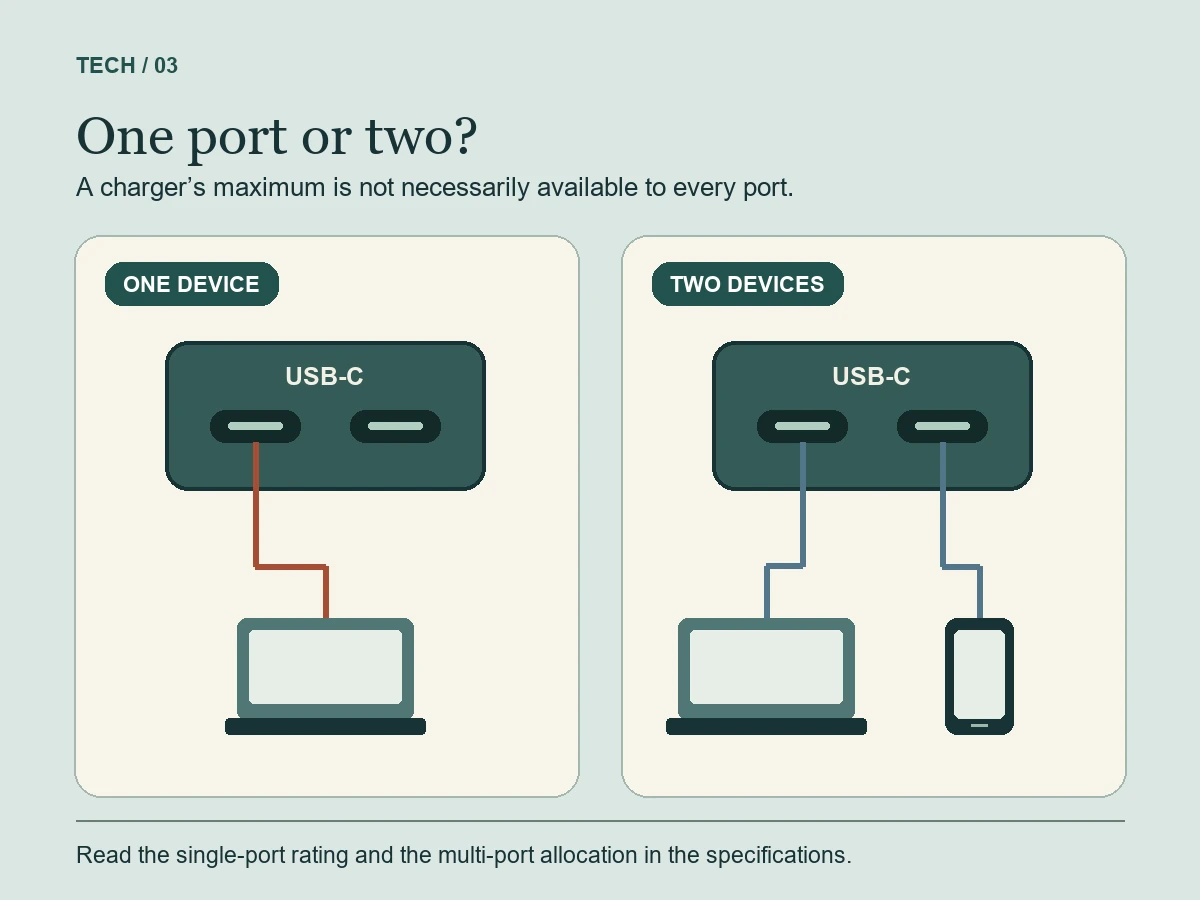
Two conceptual dual-port USB-C chargers, one connected to a laptop and another connected to a laptop and a phone.
Original GreatDeals journal illustration

Shopping links. The store links in this guide go directly to retailers. GreatDeals earns no commission from these links. Stores used in the text: United States. Choose your market below.

One charger for a laptop and phone is a neat way to travel. The useful figure on a multi-port model is how much power it can supply to each device when they are plugged in together. A 100W total rating might be distributed quite differently depending on the sockets you use.

Start with the original adapter

Read the wattage on the laptop's supplied adapter, and check the computer's specification for whether it supports USB-C charging and which power levels it accepts. Find the phone's own charging requirements too, including USB Power Delivery support and any particular charging profiles. Choose a suitable cable rated for the intended power: USB-C cables differ even when the plugs look identical. The USB-IF certified cable logos distinguish 60W and 240W cable ratings.

Find the power-sharing table

Check the manufacturer’s power-sharing table. As an example, the Anker four-port 140W model supplies up to 140W through either of the first two USB-C ports when used alone, or up to 70W each when both those ports are occupied. The Belkin 65W dual USB-C charger lists up to 65W for a single device, or up to 45W and 20W when both ports are in use. Compare these per-port figures with the requirements you wrote down.

For more devices, compare the multi-port configurations: Satechi publishes port-specific ratings for its 145W travel charger and Baseus offers a 100W model with two USB-C ports and one USB-A port. Choose the sockets and plug type your setup needs. Then test the charger and appropriate cables with both devices running as usual. If the shared output cannot meet a device's requirements, the original compatible adapter is a sensible fallback.

The shopping list

Where to shop

16 catalog offers · 6 markets

Choose a country to see the stores and links selected for that market.

United States

Anker

Compare port counts and maximum output, then open your chosen charger’s power specifications.

Visit Anker
United States

Belkin

Read the 65W charger’s dual-port output before plugging a laptop and phone into it together.

Visit Belkin
United States

Satechi

Check the four USB-C ports on the 145W travel charger and the outputs for your particular combination.

Visit Satechi
United States

Baseus

Compare the two USB-C sockets and the USB-A socket on the 100W EnerFill FE11 before packing your cables.

Visit Baseus
United States

Twelve South

Compare the two-port and four-port PlugBug models for the devices you carry.

Visit Twelve South
United Kingdom

UGREEN

Check the UK Nexode’s four-port layout before deciding where the laptop cable will go.

Visit UGREEN
United States

Native Union

Review the 100W charger’s USB-C and USB-A port combination before assigning a socket to each device.

Visit Native Union
Canada

Anker

Use the Canadian multi-device range to compare wall chargers for a laptop and phone.

Visit Anker

Read next

Will this carry-on fit both flights?

Sources for this guide