You have found two rates for the same hotel room. One is cheaper, while the other can be cancelled under specified conditions. If your plans depend on a flight, childcare or a work schedule that might change, compare the extra cost of flexibility with the amount you could lose.
Compare like for like
Set your dates, guest count, bed arrangement and room type first. Compare the price for the entire stay, including any fees due at the hotel, then read the cancellation terms for each rate. When browsing rooms on Booking.com, the property’s cancellation conditions appear in your booking confirmation. On Trip.com, check the hotel terms and the particular room rate. Two rates at the same property can differ in the date when payment is due and whether you can cancel or amend them.
Read the deadline as well as the price
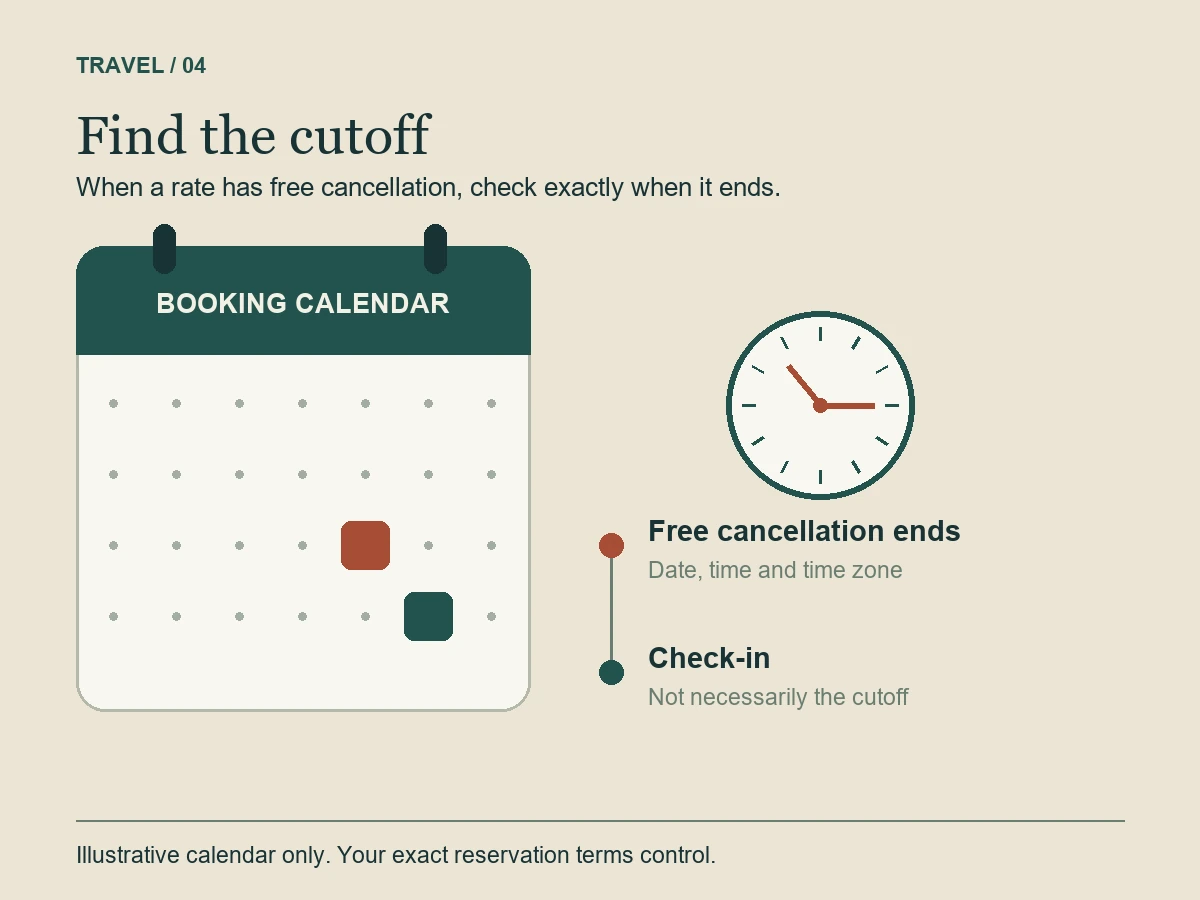
Find the date and time when any free-cancellation window ends. Check whether changing your dates is permitted and what you might be charged for a late cancellation or no-show. Compare listings from Hotels.com and Expedia on the same basis: both direct customers to the conditions applying to their particular reservation. The relevant deadline in the hotel's time zone may not be the one you expect at home. Check the final confirmation and set a calendar reminder ahead of the cutoff.
If your flight is due near midnight, confirm how the property will hold your room and arrange check-in if the flight is delayed. Save the confirmation, address and reception number somewhere you can access offline. Once your plans firm up, revisit the rates you shortlisted. A flexible rate may be worthwhile when uncertainty is high; a less expensive rate can make sense when the dates are settled and you accept its terms.